
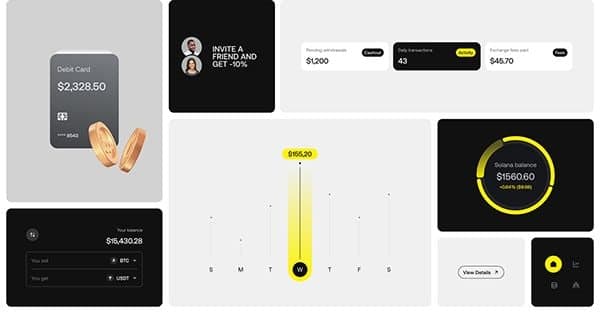
Design
Good design is not decoration. It is the difference between a product people tolerate and one they come back to — on every screen, in every context.
WHY IT MATTERS
Good interface design removes decisions, not options.
Every screen asks the user to work something out. Our job is to make that work small enough to go unnoticed — and to keep it that way as the product grows.

Design Services We Offer
- Design
UI/UX Design
Interfaces that blend creativity and usability, turning every screen into an obvious next step.
- Design
Website Design
Websites that load fast, look sharp and guide visitors straight to the thing they came for.
- Design
Mobile Experience
Layouts, gestures and states designed for the thumb — not shrunk down from the desktop.
- Design
Product Design
From first sketch to shipped feature, products as considered in week ten as in week one.
- Design
Design Systems
A component library so the design survives contact with a product team.
- Design
Motion Design
Purposeful motion — transitions that tell people what just happened and what to do next.




THE WORK
Flows first, pixels second.
We map the whole journey before styling a single screen, because the expensive mistakes are structural. Layout, type and colour follow a decision that has already been made.

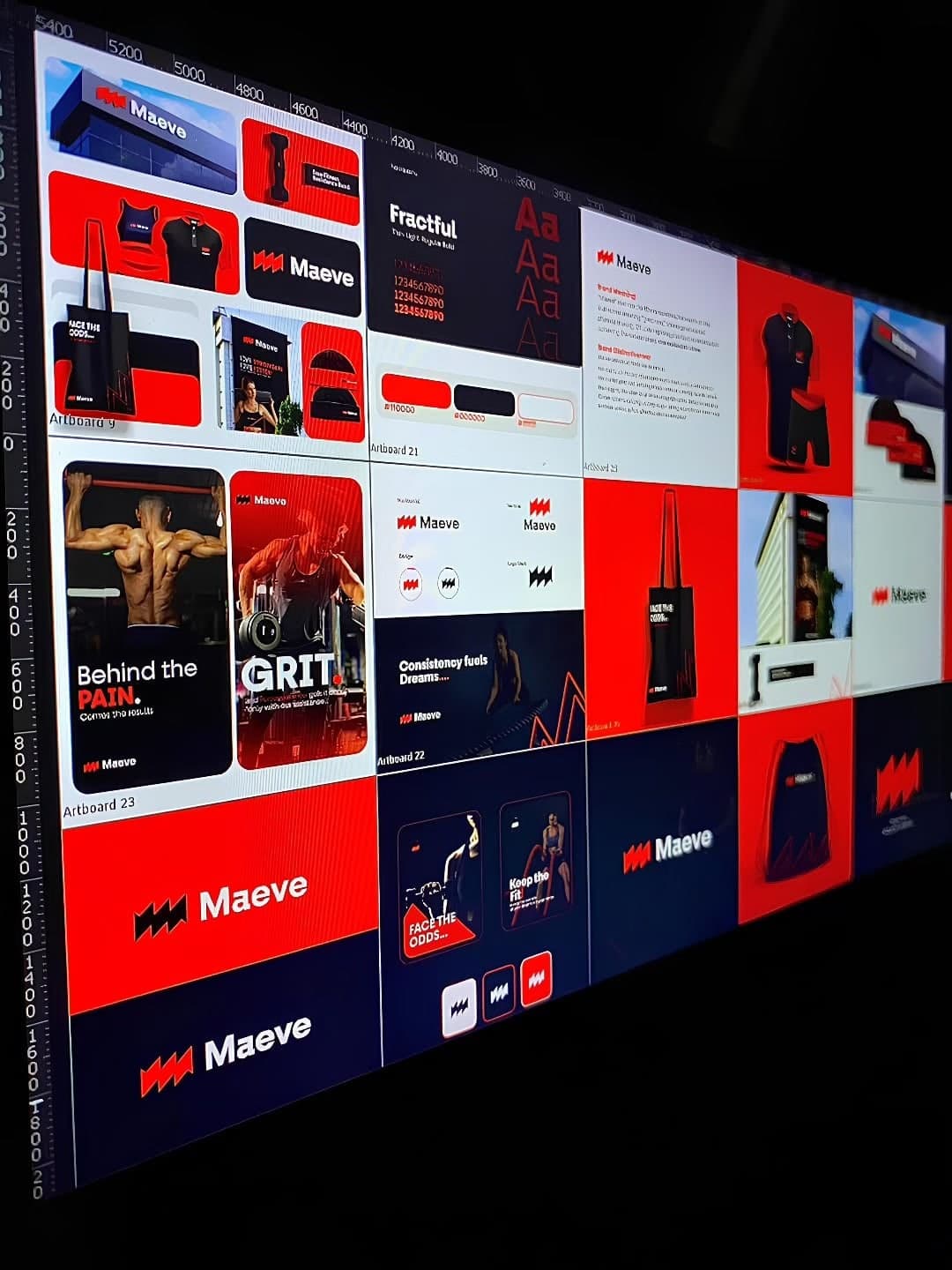
HOW IT RUNS
Six steps, first conversation to handover
- 01
Discovery
Interviews, usage data, and an audit of the screens people already struggle with.
- 02
Architecture
What lives where, and the path a person takes to the thing they came for.
- 03
Wireframes
Layout and sequence settled in grey, before a single colour decision.
- 04
Visual design
Type, colour and components drawn against real content, then made clickable.
- 05
Design system
Named, documented components so the design survives a product team.
- 06
Build support
We stay in the build, reviewing against the design until it ships.
IN APPLICATION
Designed to be built, not just admired.
States, breakpoints, empty cases and error cases, handed over in a form engineers can work from. A design that cannot be built on schedule is not finished.

FAQ
Six stages: discovery, architecture, wireframes, visual design, a design system, and build support. You review and sign off at the end of each one, so nothing reaches the next stage without your agreement.
It depends on the scope — a focused website moves faster than a full product with its own design system. We agree a timeline with you before we start, broken down by stage, so you always know what comes next.
Yes. Layouts, gestures and states are designed for the thumb — not shrunk down from the desktop — so every screen works on the devices your people actually use.
The finished designs for every screen and state, a clickable prototype, and a design system of named, documented components — along with all of the source files, which are yours to keep and use.
Yes. We stay in the build, reviewing what is built against the design until it ships.